Gå til innhold
View in the app

A better way to browse. Learn more.

Bimmers.no | BMW Forum

A full-screen app on your home screen with push notifications, badges and more.

To install this app on iOS and iPadOS
  1. Tap the Share icon in Safari
  2. Scroll the menu and tap Add to Home Screen.
  3. Tap Add in the top-right corner.
To install this app on Android
  1. Tap the 3-dot menu (⋮) in the top-right corner of the browser.
  2. Tap Add to Home screen or Install app.
  3. Confirm by tapping Install.
🔧 Vi fornyer Bimmers.no! Oppgraderinger gjennom november kan medføre periodevis ustabilitet. Takk for tålmodigheten!

Tom81s

Medlem
  • Ble med

  • Besøkte siden sist

Om meg


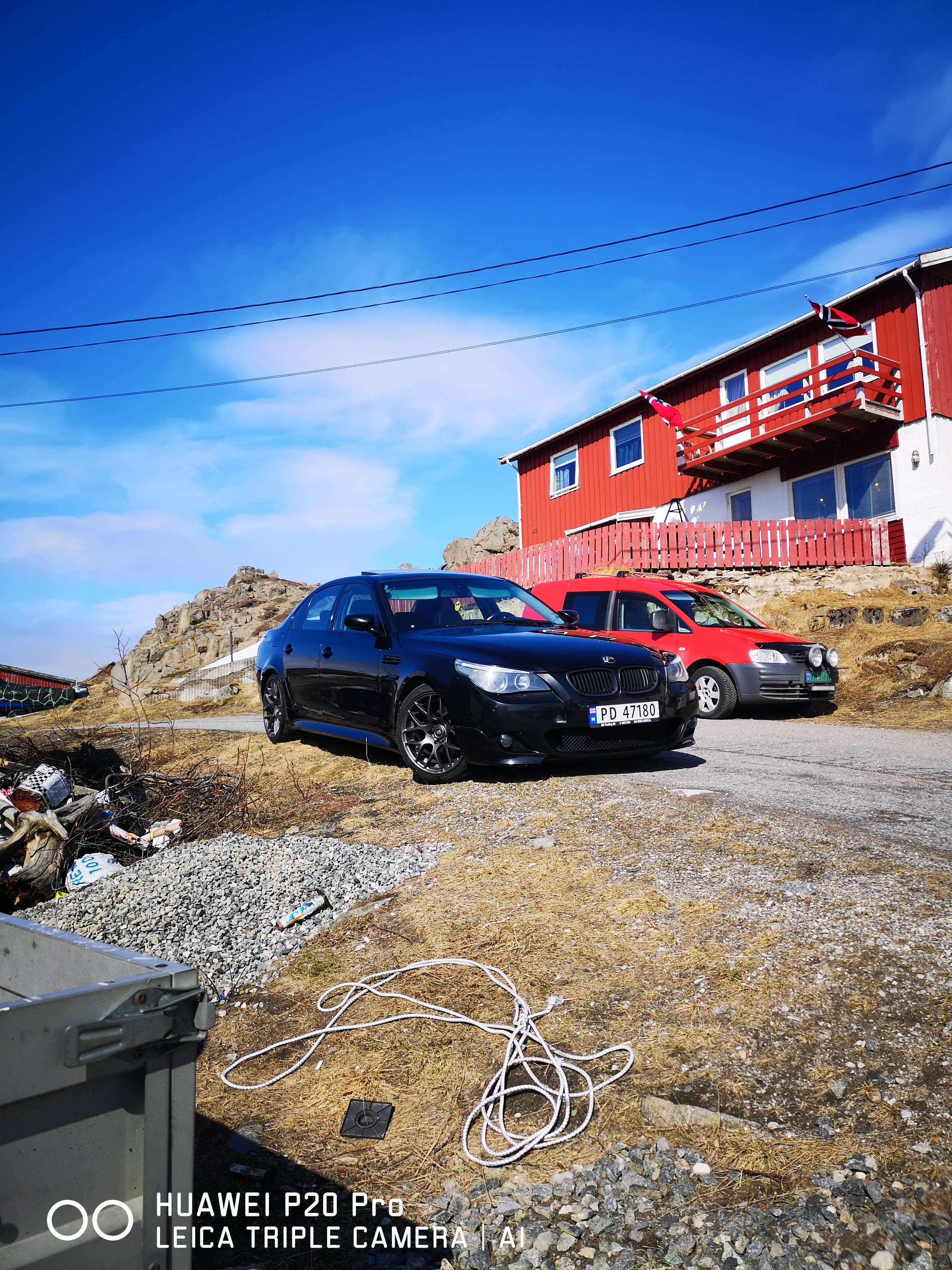
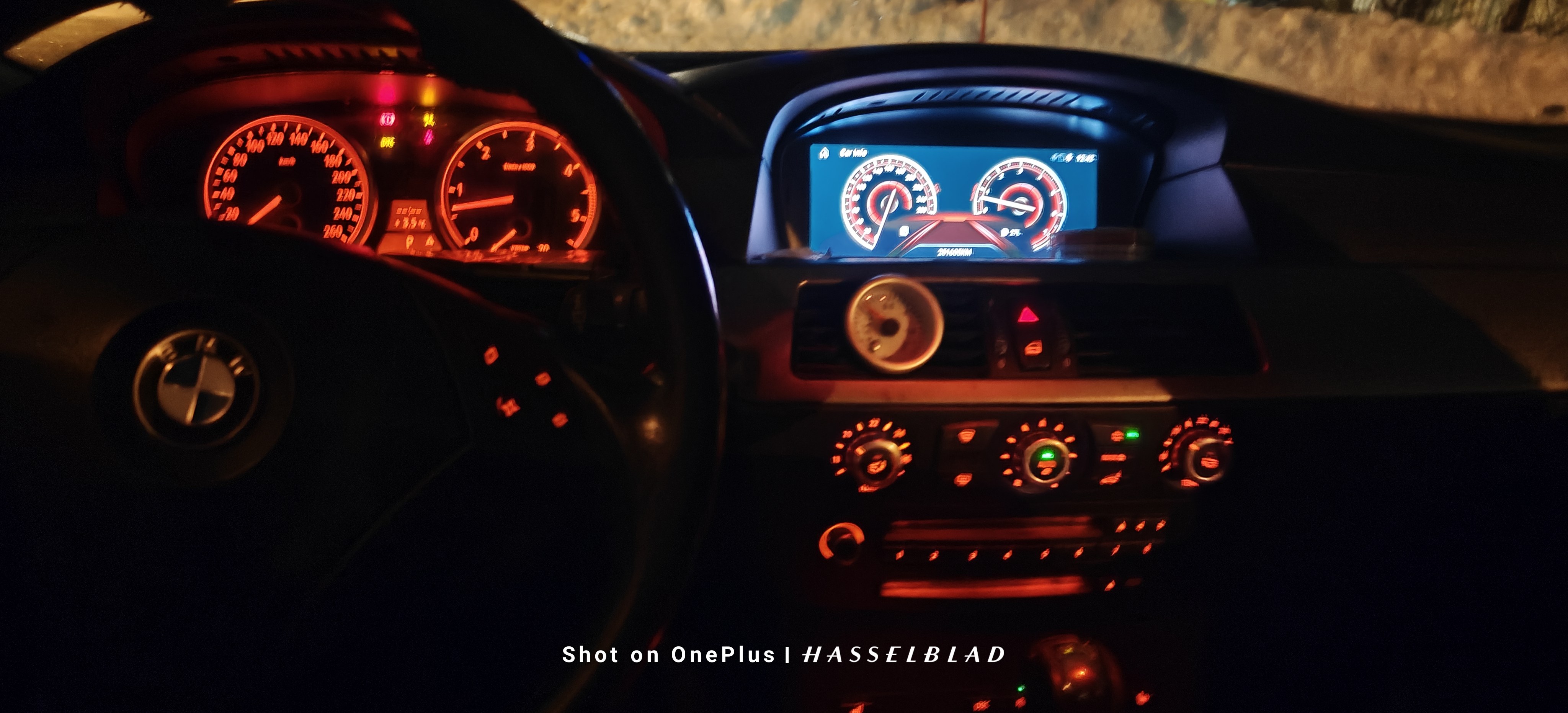
IMG_20210610_173803.thumb.jpg.21ce0e281bb383d42000187aa7340782.jpg

20200818_190752.jpg

20200819_213525.jpg

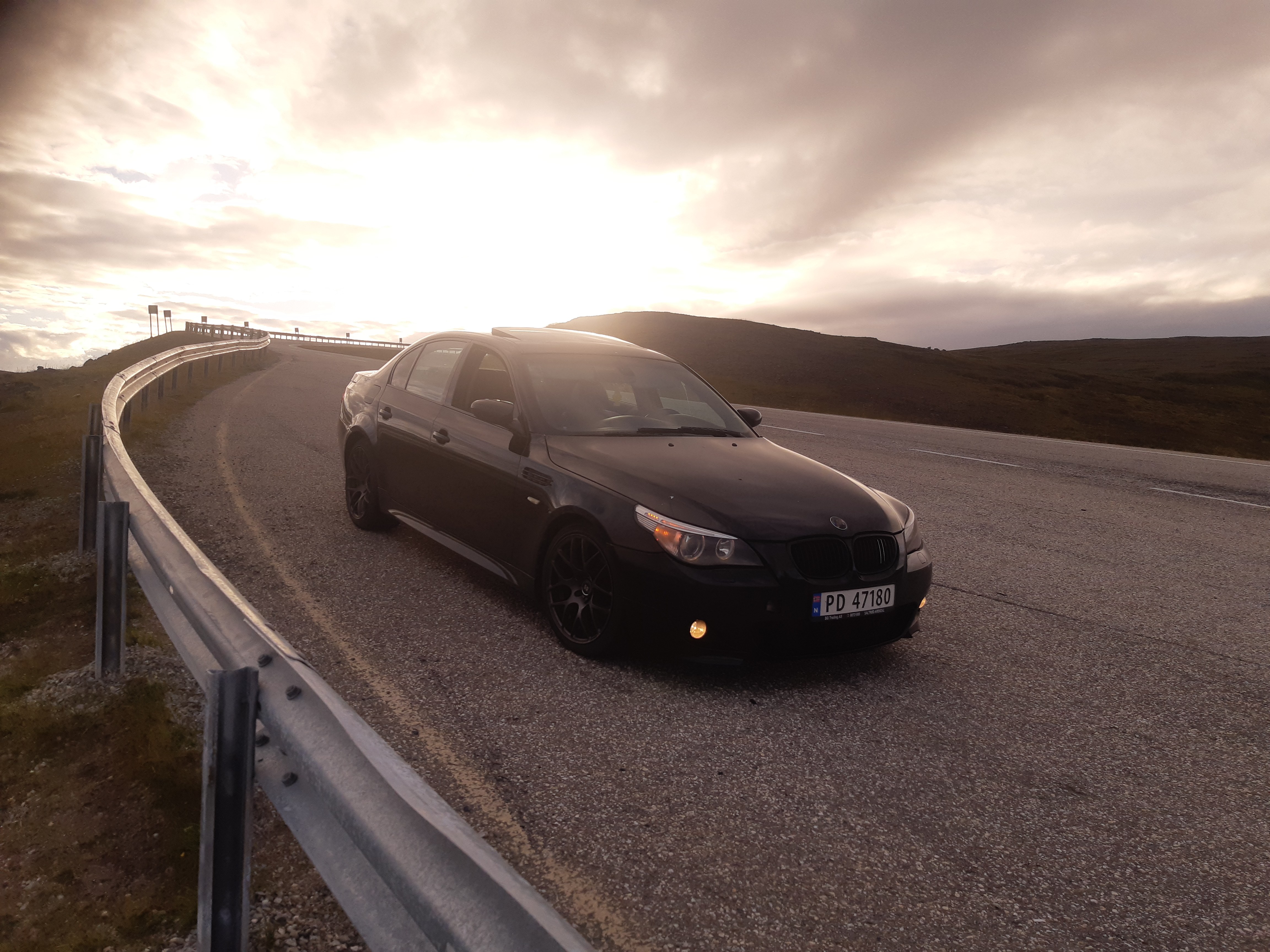
20200829_174045.jpg

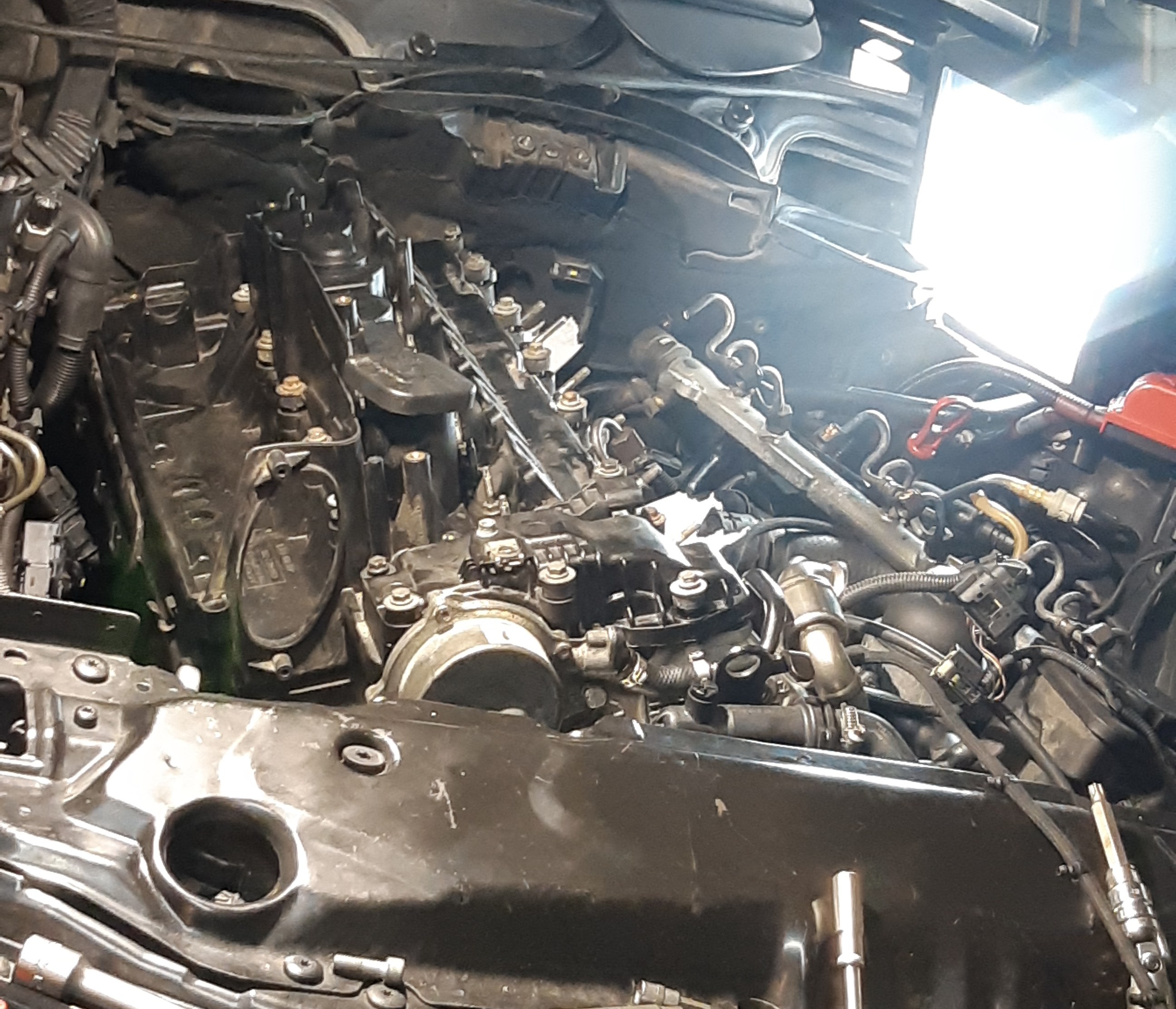
IMG_20210517_135910.jpg

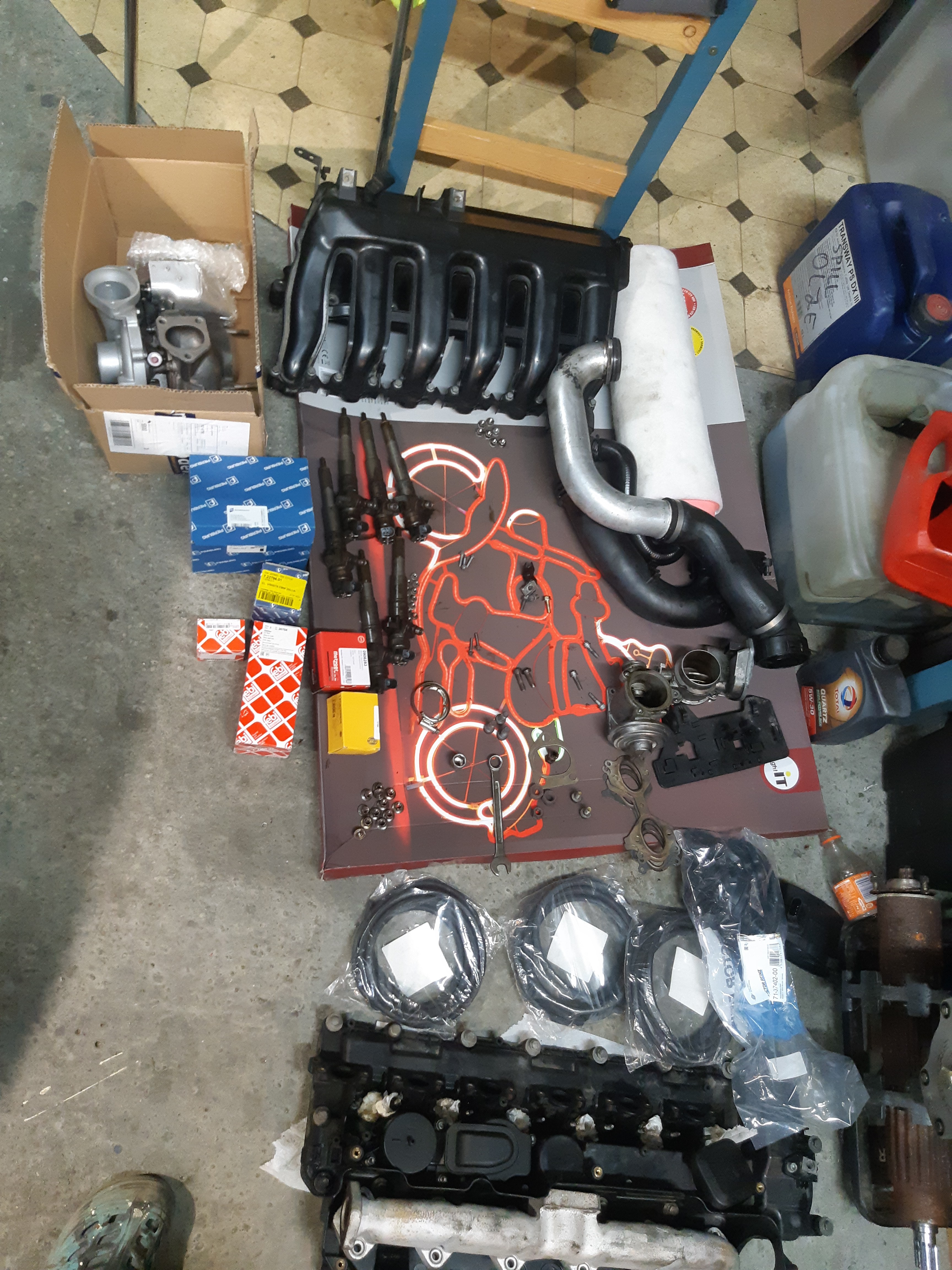
IMG20241208211306.jpg

Screenshot_20230729_152641_Instagram.jpg

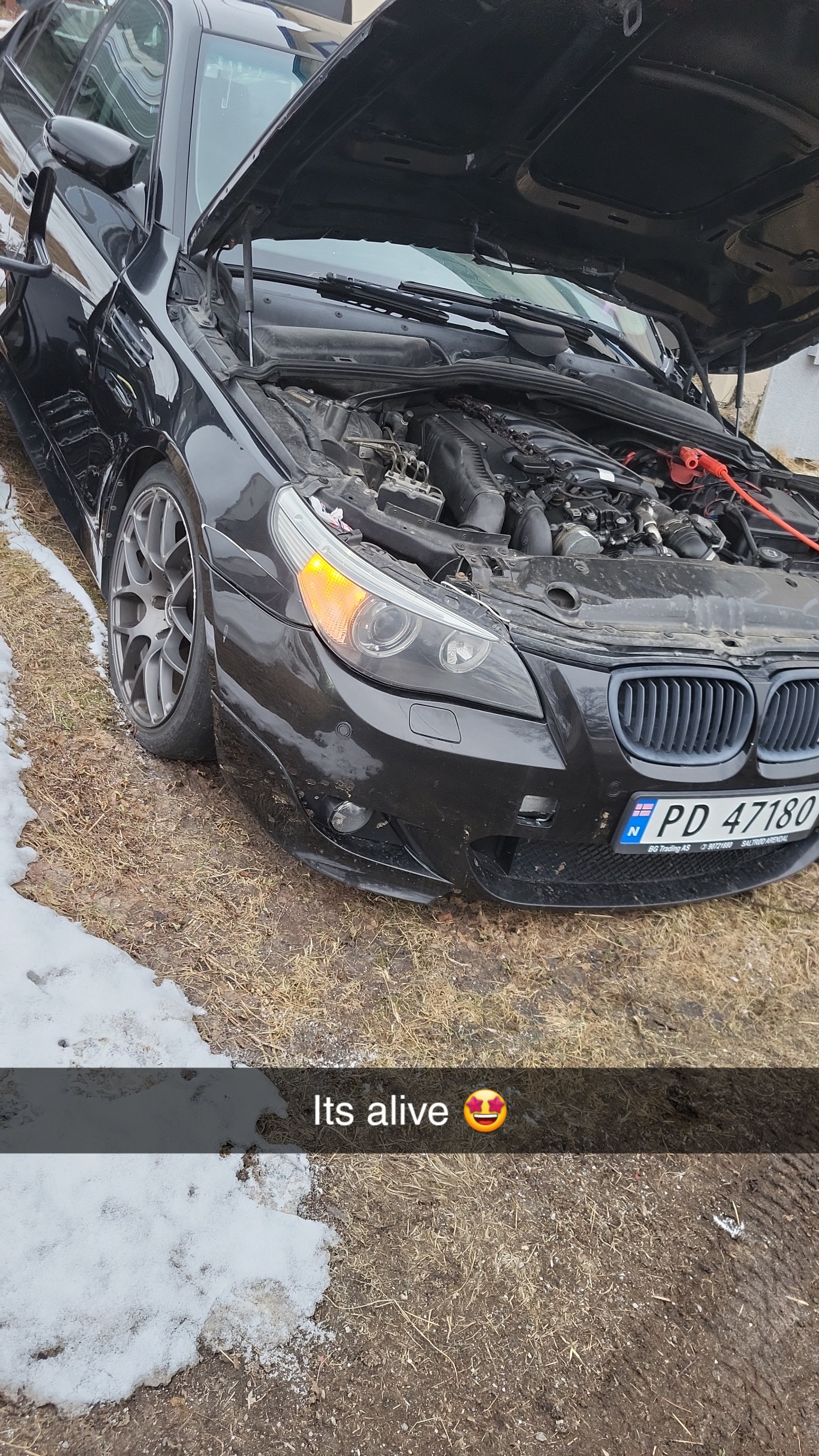
Snapchat-361653609.jpg

Account

Navigation

Søk

Søk

Configure browser push notifications

Chrome (Android)
  1. Tap the lock icon next to the address bar.
  2. Tap Permissions → Notifications.
  3. Adjust your preference.
Chrome (Desktop)
  1. Click the padlock icon in the address bar.
  2. Select Site settings.
  3. Find Notifications and adjust your preference.