
🔧 Vi fornyer Bimmers.no! Oppgraderinger gjennom november kan medføre periodevis ustabilitet. Takk for tålmodigheten!

Orjan
Medlem
-
Ble med
-
Besøkte siden sist
Alt skrevet av Orjan
-
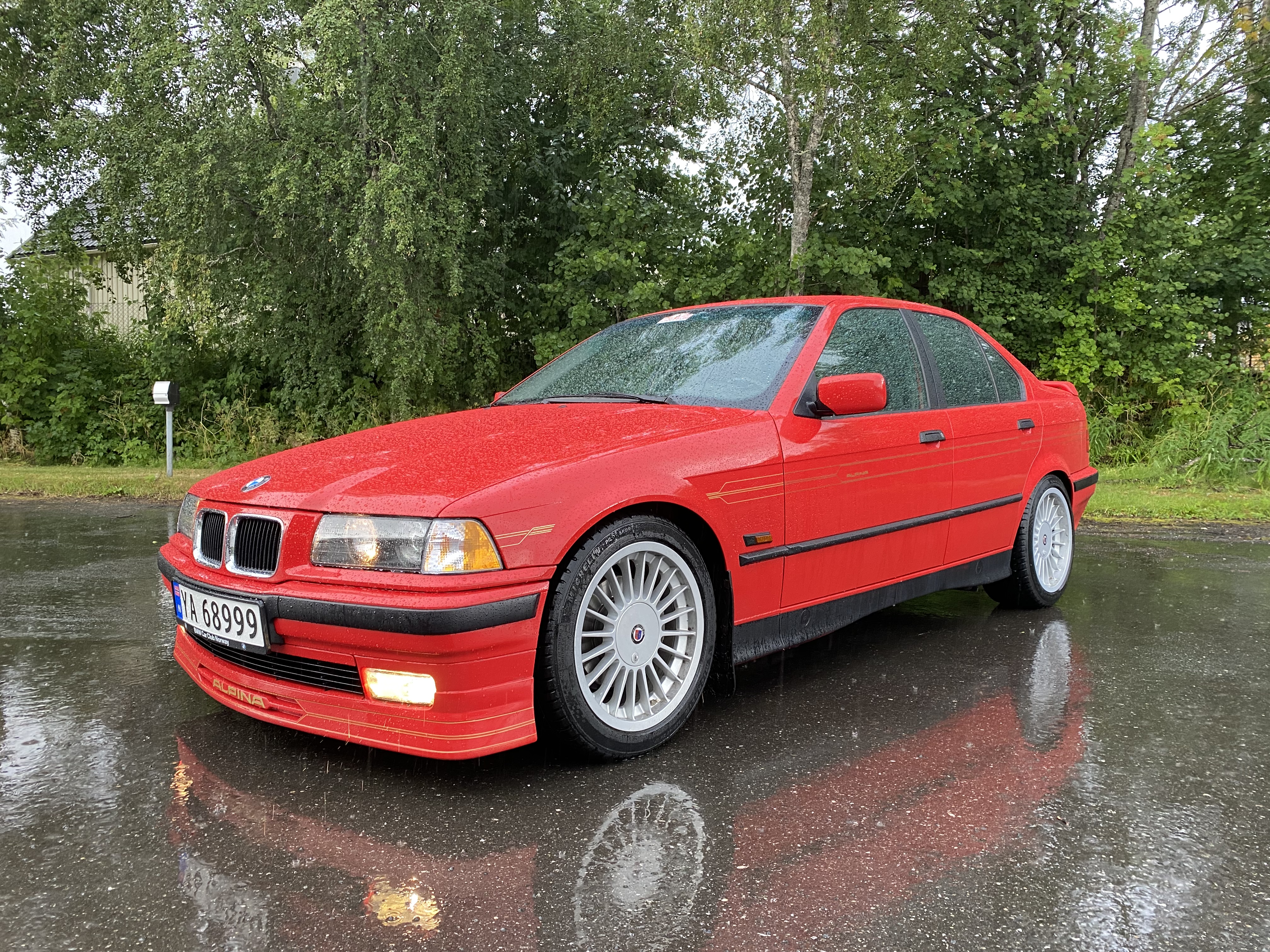
Greit innehold i denne garasjen; Nissan Skyline | FINN.no Hva er den lave røde saken her?
-
Gratulerer så mye! Fantastisk flott farge-kombo 😍
- 166 svar
-
-

- 1
-
-
- f31
- 328ixat
- imperialblau
- luxury line
-
Merket med:
-
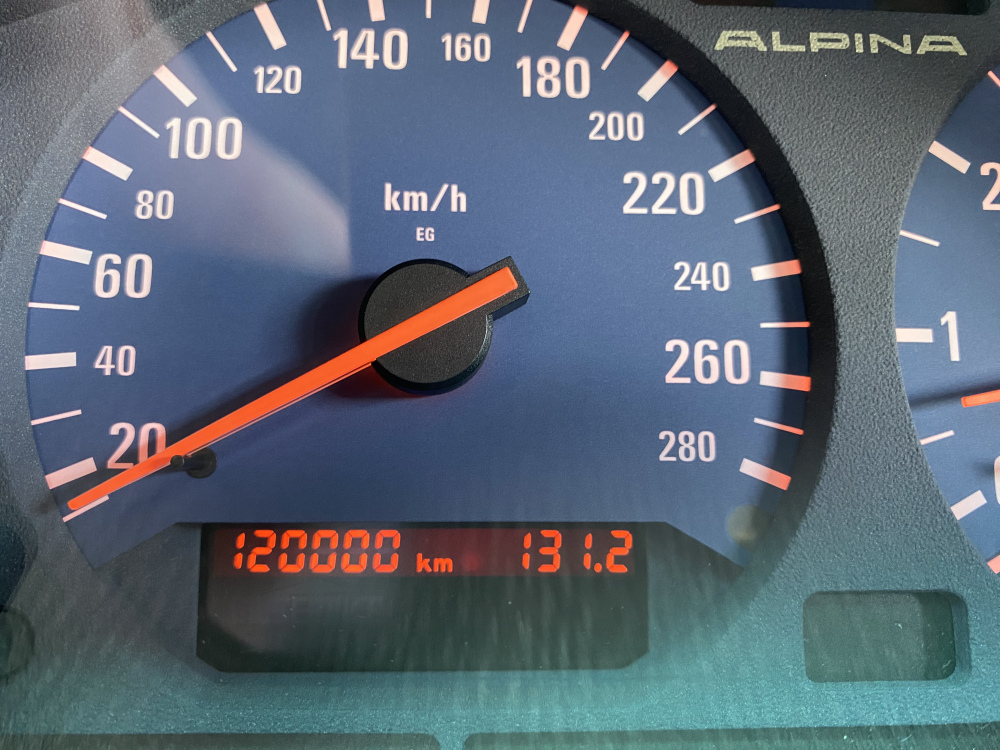
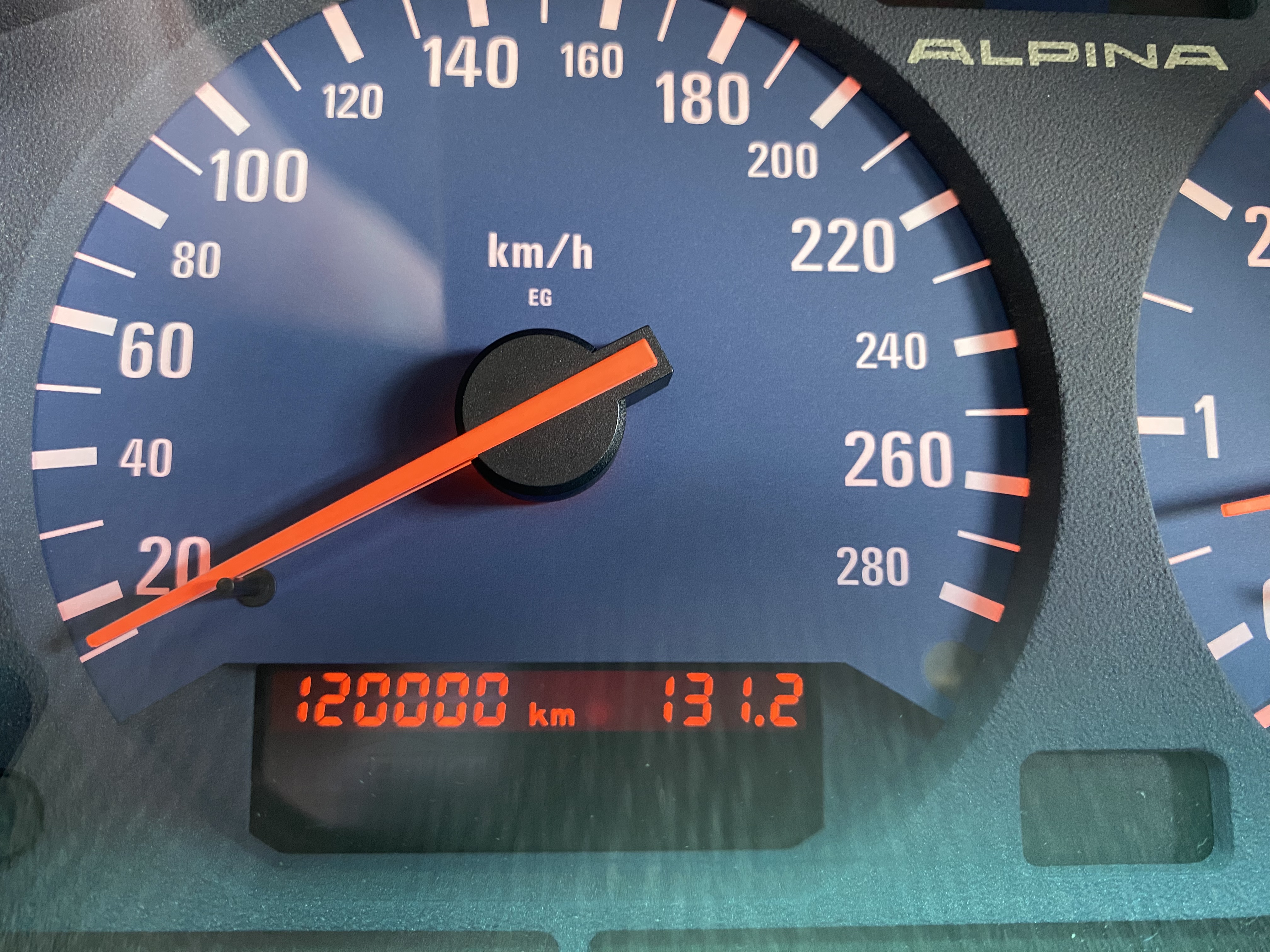
120000km i dag.

-
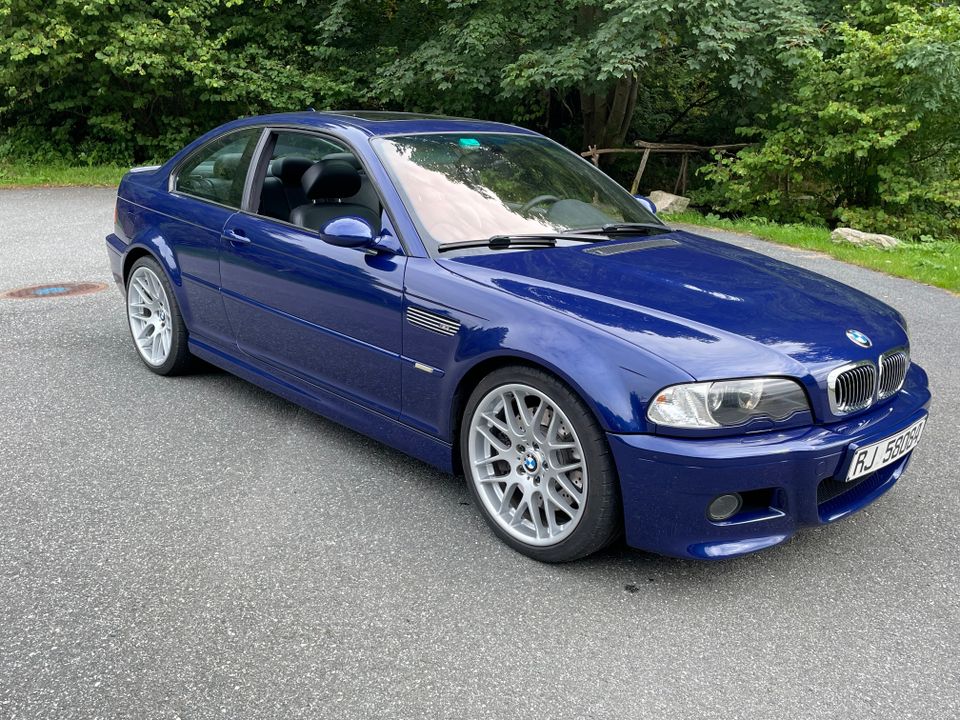
Denne tror jeg blir solgt fort.. https://www.finn.no/car/used/ad.html?finnkode=316417292
-
Kul sak i Vilhelmina (nord-Sverige)

-
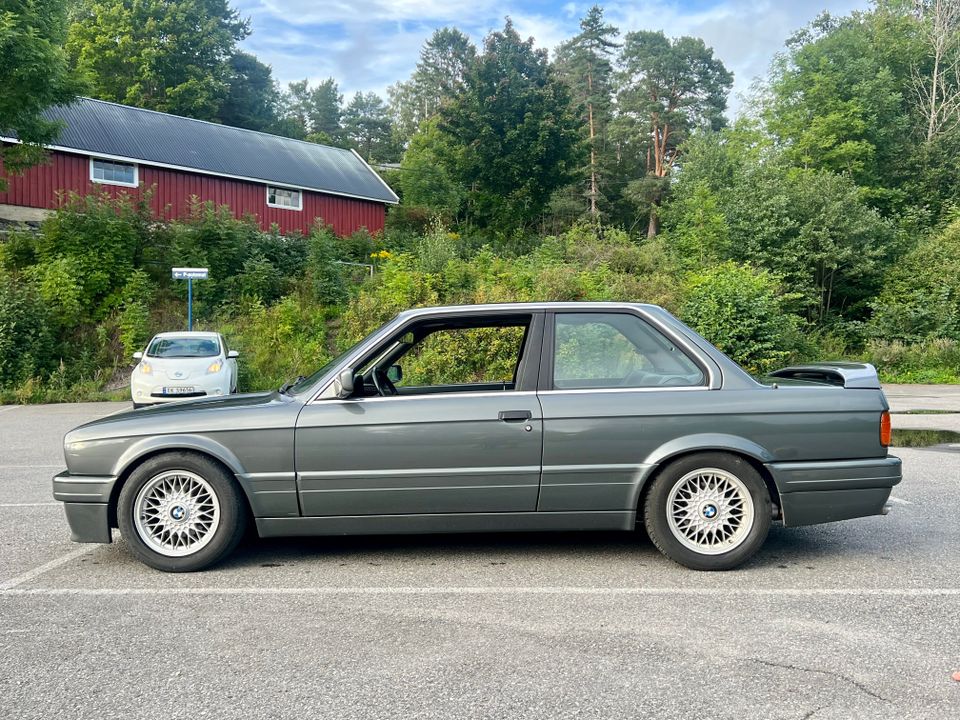
https://www.finn.no/car/used/ad.html?finnkode=315096544 Skal ikke en original M-tech II ha shadowline? Og M-tech II ratt? Og svart innertak?
-
@Ampera - du har nok rett 😊
-
Gul GT3 og svart E46 M3 på tur til Rudskogen 👍

-
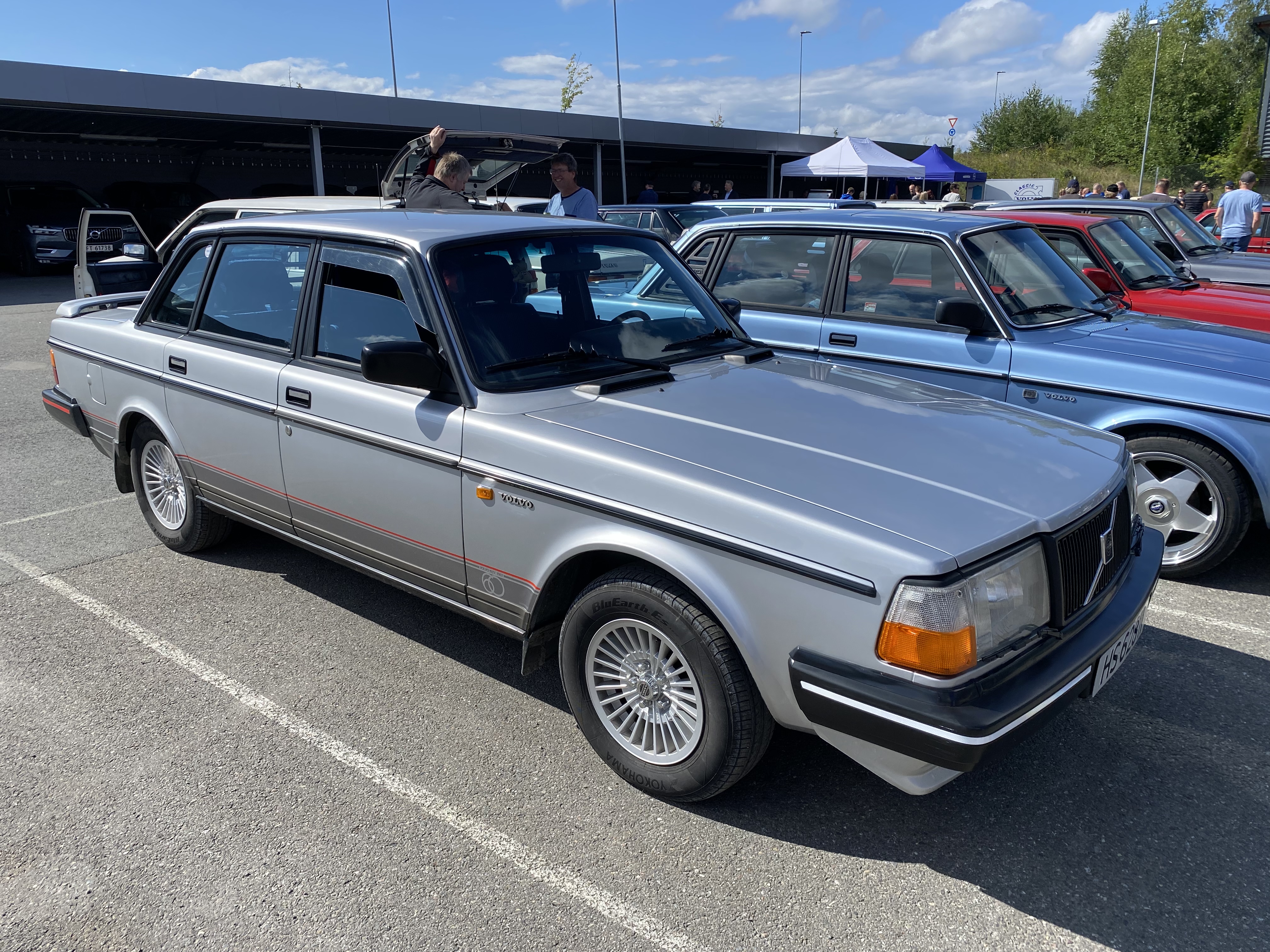
Havnet helt tilfeldig opp i et Volvo-treff i går. Oppvokst i baksete på Amazon og 240-serie så har jeg et hjerte for Volvo også. Var mye pent å se.


-
-
-
Herlig reisebrev, og M3 må jo være et perfekt reisefølge 👍I fergekø.

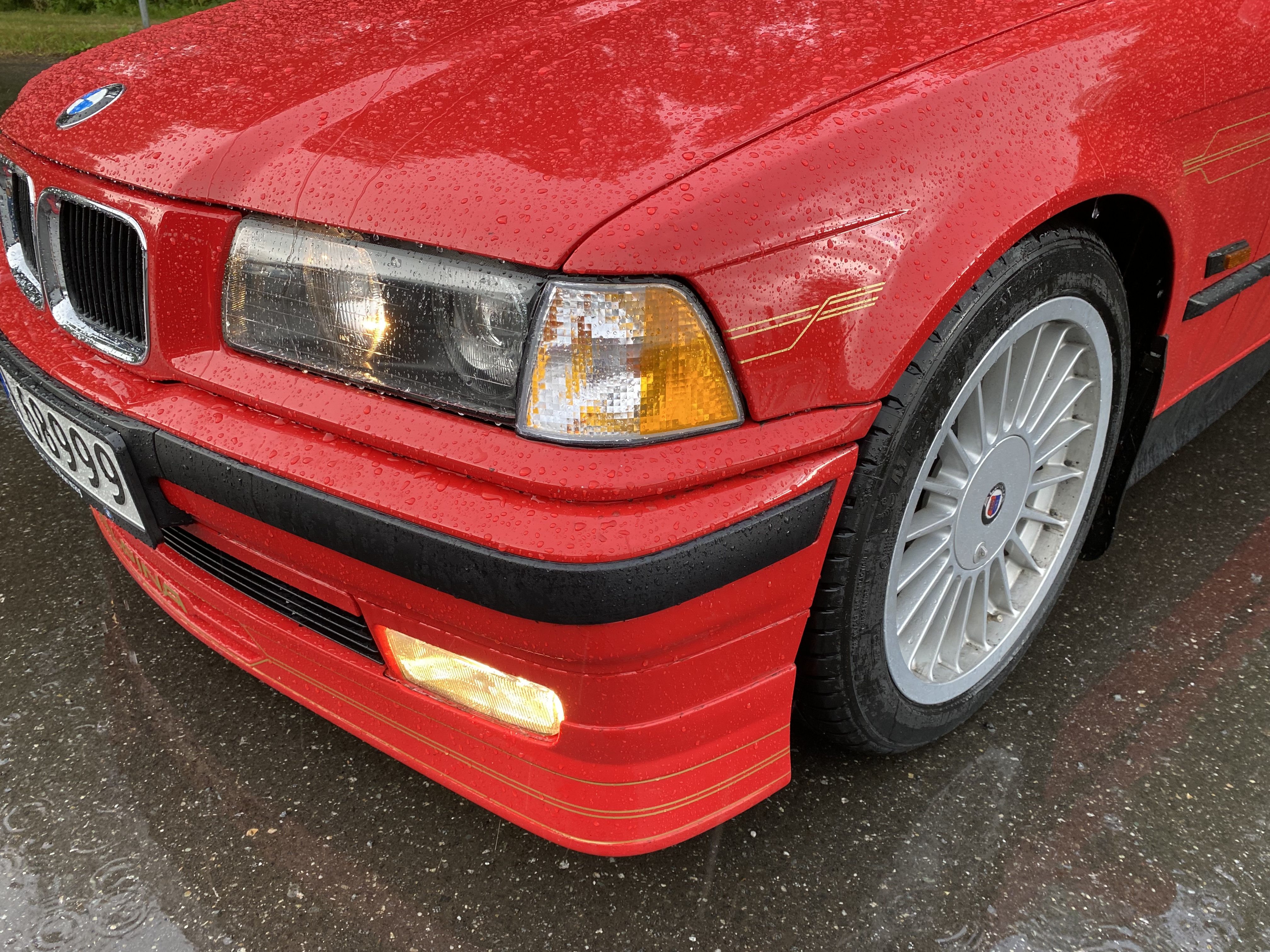
 @Larsen4 jeg tror Depo er bedre. Dette var skikkelig Kina-ræl 😂Nix - hjemme i Mosjøen; 20 min med torden og lyn. Sol igjen nå 👍Prøvde meg på en liten «facelift» med nye blinkers i italiensk 70-talls stil. Ser ikke så verst ut, men horribel passform.

 Regn…
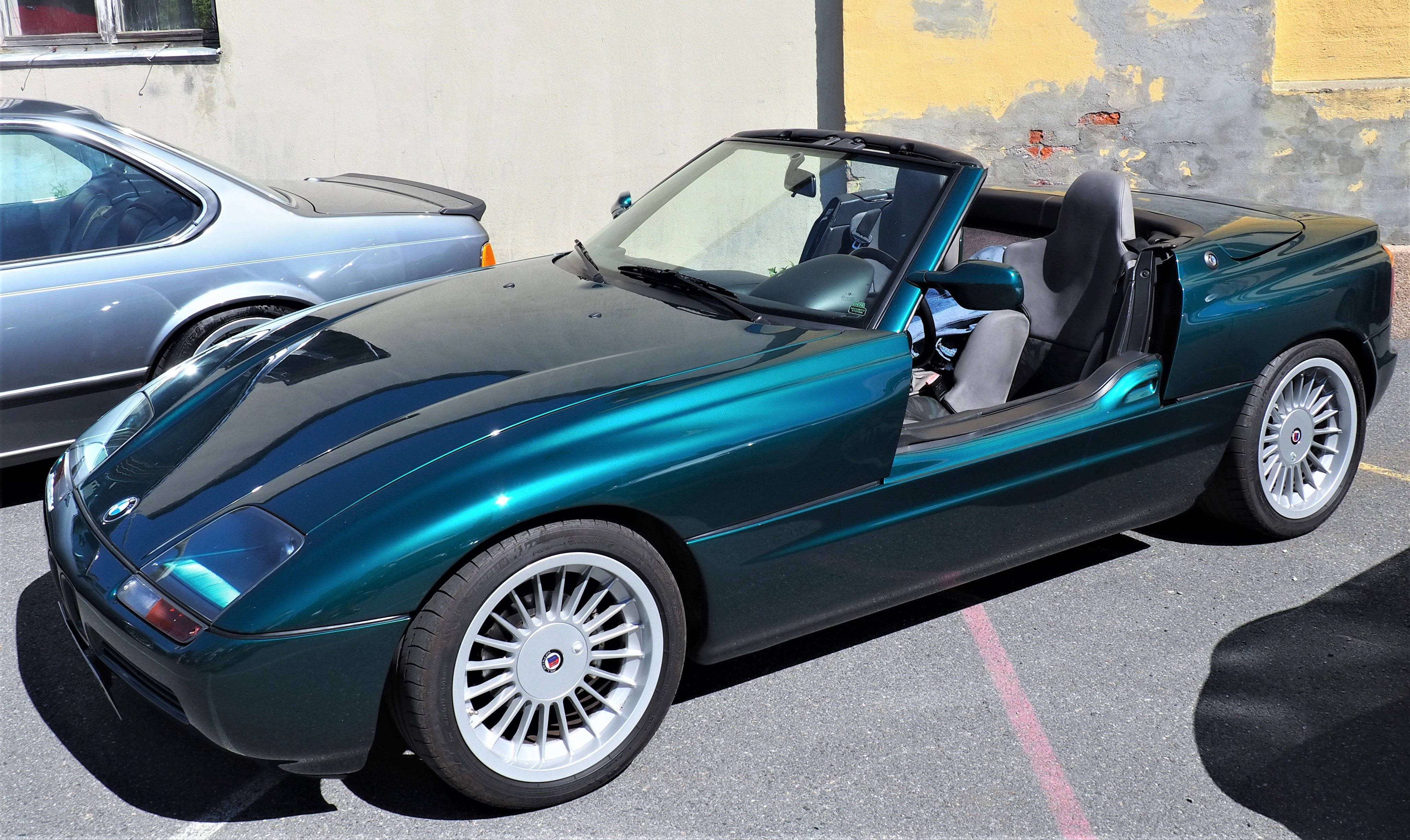
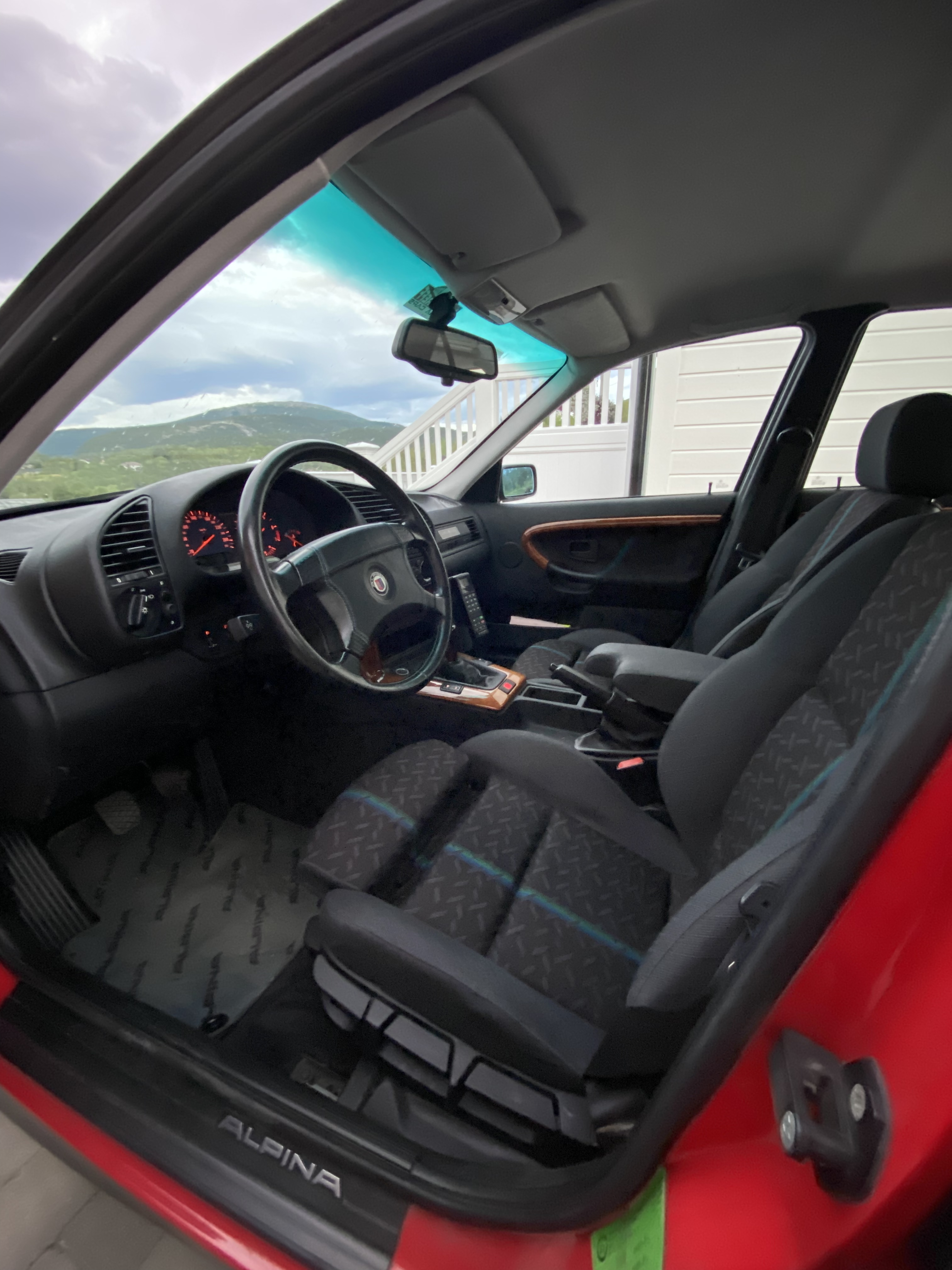
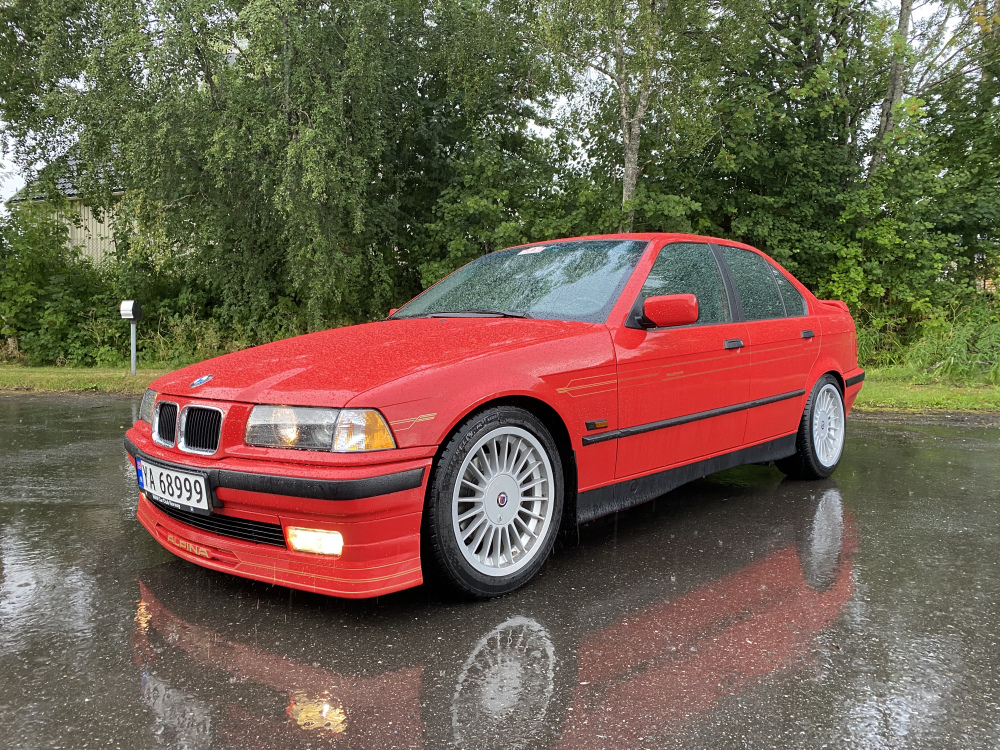 Fantastisk flott bil! Originalt CSL-understell og CSL-felger ville vært perfekt 👍
 Gratulerer så mye med grom bil! Lekker fargekombo 👍På finn nå; BMW 3-serie | FINN.noBlir det elektrisk, eller klinker du til med et par sylindre ekstra?

















Account
Navigation
Søk
Configure browser push notifications
Chrome (Android)
- Tap the lock icon next to the address bar.
- Tap Permissions → Notifications.
- Adjust your preference.
Chrome (Desktop)
- Click the padlock icon in the address bar.
- Select Site settings.
- Find Notifications and adjust your preference.
Safari (iOS 16.4+)
- Ensure the site is installed via Add to Home Screen.
- Open Settings App → Notifications.
- Find your app name and adjust your preference.
Safari (macOS)
- Go to Safari → Preferences.
- Click the Websites tab.
- Select Notifications in the sidebar.
- Find this website and adjust your preference.
Edge (Android)
- Tap the lock icon next to the address bar.
- Tap Permissions.
- Find Notifications and adjust your preference.
Edge (Desktop)
- Click the padlock icon in the address bar.
- Click Permissions for this site.
- Find Notifications and adjust your preference.
Firefox (Android)
- Go to Settings → Site permissions.
- Tap Notifications.
- Find this site in the list and adjust your preference.
Firefox (Desktop)
- Open Firefox Settings.
- Search for Notifications.
- Find this site in the list and adjust your preference.